
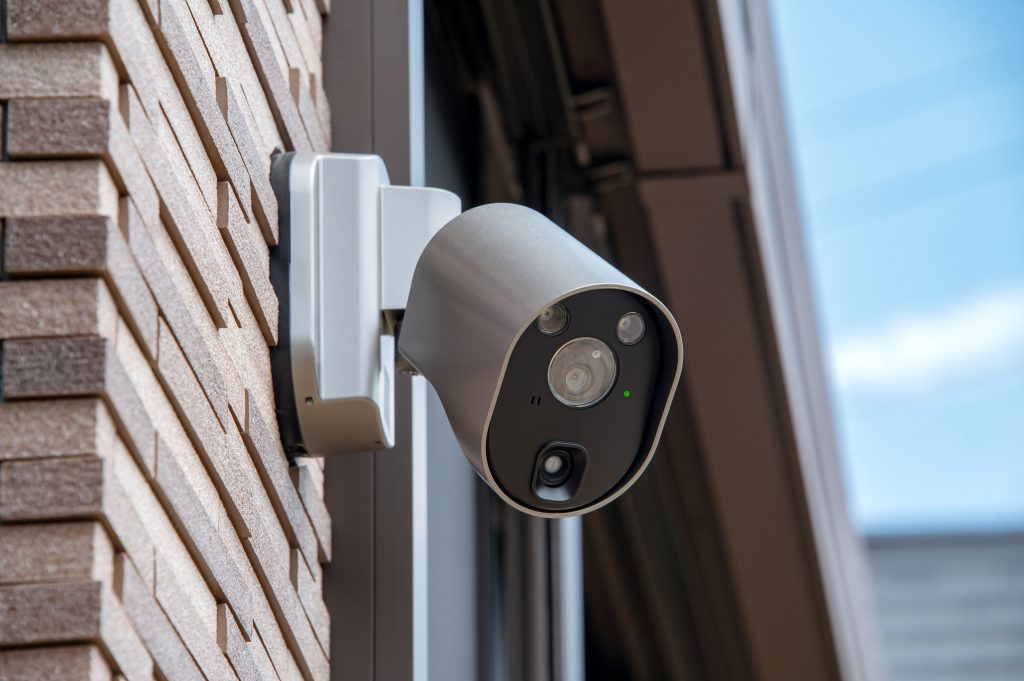
The right security camera installation depends less on the camera brand you pick and more on how your house is built. A 1960s brick split-level with plaster walls, a 1920s twin with knob-and-tube remnants, and a 2019 build with conduit already run all call for different wiring approaches. Below is a straight comparison of wired, wireless and Power over Ethernet (PoE) systems, plus how to match each one to the structure you actually own.
The Short Answer
For most single-family homes, PoE is the best overall choice: one Cat6 cable carries both power and video, recording stays local, and there is no battery to swap twice a year. Wireless makes sense for rentals, detached structures and spots where fishing a cable would mean opening finished ceilings. Traditional wired analog (coax) systems still exist, but they are mostly a replacement path for homes that already have RG59 in the walls.
- PoE (Cat5e/Cat6): best image quality, most reliable, moderate install labor
- Wireless / battery: fastest to deploy, ongoing subscription and battery upkeep
- Analog coax: reuse existing cable runs, limited resolution and features
How PoE Actually Works (And Why Installers Prefer It)
A PoE camera receives DC power over the same twisted-pair cable that carries its video data, so there is no separate outlet needed at the eave or soffit. The IEEE standards behind this are worth knowing because they set your power budget: 802.3af delivers about 15.4 watts per port, 802.3at (PoE+) about 30 watts, and 802.3bt up to roughly 90 watts for cameras with heaters, wipers or pan-tilt-zoom motors.
The practical limit on a single Ethernet run is 328 feet (100 meters), which covers nearly every residential run in a typical colonial or ranch. Beyond that distance you need a midspan injector, a PoE extender or a small switch in an outbuilding. Cameras connect to a network video recorder (NVR) with an onboard PoE switch, and footage stays on a hard drive in your home rather than a company server.
One more advantage is that PoE systems are typically ONVIF-compliant, meaning cameras from one manufacturer can usually record to another manufacturer’s NVR. That matters five years out, when you want to replace two failed cameras without swapping the whole system.
When Wireless Cameras Are the Smarter Call
Wireless cameras earn their place in specific situations, not as a blanket answer. If you rent, if the camera location is a detached garage 90 feet across a yard, or if the only cable path runs through a finished cathedral ceiling, Wi-Fi saves real money in labor.
The tradeoffs are consistent across brands. Battery models need recharging or swapping every two to six months depending on motion volume, and cloud video storage generally runs $5 to $15 per month per camera. Video quality also degrades when bandwidth tightens, and a router hiccup means a gap in your recording.
If you go wireless, your access point coverage matters more than the camera spec sheet. Homes with brick veneer, foil-backed insulation or plaster-over-metal-lath walls lose significant signal strength, which is why a proper wireless network installation in NJ often has to happen before any camera goes up.
Matching the System to Your Home’s Construction
New Construction or Active Renovation
Run Cat6 to every planned camera position plus two spares while the walls are open. Pre-wiring during framing costs a fraction of retrofitting, usually $75 to $150 per drop versus $200 or more later. Terminate everything at a structured wiring panel in the basement or a utility closet.
Brick, Stone or Stucco Exteriors
Masonry homes are common, and drilling brick is slower but very doable with a hammer drill and the right sleeve. The bigger issue is that masonry blocks Wi-Fi badly, which pushes these homes toward PoE. Cables typically route through the soffit or rim joist rather than through the brick face.
Split-Levels and Bi-Levels
Split-levels have short, staggered attic and crawl spaces that make continuous cable paths tricky. Expect an installer to use two distribution points instead of one, or to route along the garage ceiling. Plan for the NVR to live on the lower level near the electrical panel.
Older Homes With Plaster and Lath
Plaster walls crumble around cut boxes and often hide horsehair-reinforced lath that resists fish tape. Good installers go through the attic and drop down exterior wall cavities, or surface-mount low-profile raceway where an interior wall cannot be opened cleanly. Budget an extra one to two hours per camera on pre-1940 homes.
Townhomes and Twins
Shared party walls limit where you can run cable, and HOA rules may restrict exterior device placement. If you’re looking into security camera installation in Cherry Hill, NJ for a townhome, a doorbell camera plus two corner-mounted PoE units often cover the property fully, since the sides are protected by neighbors.
Detached Garages, Sheds and Pool Houses
If the outbuilding already has power, the cleanest path is a direct-burial rated Ethernet run in conduit, or a point-to-point wireless bridge if the trench is not worth it. Never use standard indoor Cat6 underground; it absorbs moisture and fails within a couple of seasons.
Coverage Planning: Where Cameras Actually Belong
Property crime patterns should drive placement more than aesthetics. According to the FBI’s Crime Data Explorer, burglaries overwhelmingly involve forced or unlawful entry through doors and ground-level windows, which is why perimeter coverage beats a single driveway camera every time.
- Front door: a doorbell camera plus one overview camera, since doorbell units have a narrow field
- Back door or patio slider: the most common forced-entry point on suburban homes
- Driveway and garage: mount 9 to 10 feet up, angled to catch plates without staring into headlights
- Side yard or gate: the quiet approach nobody watches
- Interior main hallway: one camera that sees anyone moving between floors
Three Mistakes That Cost Homeowners Later
- Undersizing storage: four 4K cameras at continuous recording fill a 2TB drive in roughly two weeks; aim for 30 days of retention
- Mounting too high: cameras above 12 feet capture the top of a hat, not a face
- Skipping the UPS: a $120 battery backup keeps the NVR and router alive through the brief outages that are common in storms
Frequently Asked Questions
How far can a PoE camera be from the recorder?
Up to 328 feet (100 meters) on a single Cat5e or Cat6 run, per the Ethernet standard. Past that, a PoE extender or a switch located mid-run adds another 100 meters, and fiber handles anything beyond a few hundred feet.
Do wireless security cameras still need wires?
Most do: only battery-powered models are truly wire-free, and everything else needs a nearby power outlet. “Wireless” almost always refers to the data connection, not the power supply, which is the detail that surprises homeowners at install time.
How many cameras does an average home need?
Four to eight cameras cover most single-family homes of 1,500 to 3,000 square feet. Larger lots, corner properties and homes with detached garages usually land at eight to twelve to eliminate blind spots along fence lines.
Ready to Plan Your Camera Layout?
We walk the property, check attic and crawl access, and design a system around how your house is actually built, whether that is PoE, wireless or a mix. For security camera installation, contact us today for a site assessment and a written quote.